
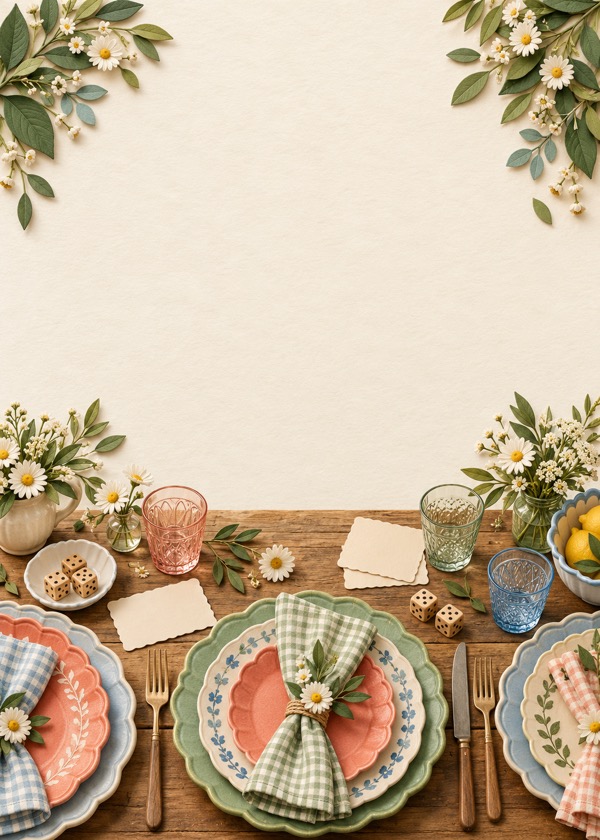

What to include in an invitation
- Name the occasion and the host so guests know what the gathering is for.
- Add the date, time, timezone, and location or joining instructions. Check these details before downloading.
- Tell guests how to reply through your own contact method. Gather Whirl does not collect RSVPs or deliver invitations.
An invitation message to adapt
You’re invited to an evening of games and good company. Join us on [date] at [time and timezone] at [place]. Let [host] know if you can make it.
Choose, personalise, download
- Open the collection and choose an available design for this card purpose.
- Edit the headline, personal message, details, and sign-off. Adjust font, alignment, size, colour, and spacing, then review the preview.
- Download PNG to share through your own messaging app, or choose Print / Save as PDF in your browser.
Print size and format
The finished card is flat, 5 × 7 inches, at 1500 × 2100 pixels. Print at actual size on A4 or Letter paper and trim. It is not a folded card or a print-shop bleed file.
Privacy and saving
No account is required. Your words stay in your browser. Saving a draft is optional and uses this device’s browser storage; other people using the browser may see it. Share only the downloaded file you choose. Gather Whirl does not send messages, collect contacts, or schedule delivery.
Common questions
Can I print or save a PDF?
Yes. Choose Print / Save as PDF in the editor, then select your printer or Save as PDF from the browser’s print window.
Are the cards free?
Yes. You can personalise, download, and print available designs without signing up. Gather Whirl is for adults 18+.
Can I return to an unfinished card?
Use Save draft on this device and Load saved draft in the editor. Drafts remain in that browser rather than syncing to other devices.